Calendar
One schedule. Everyone in sync.
Plan your schedule once. Your team sees the full picture, your guests find what’s next.
Fewer “When does it start?” messages. A clearer day for everyone.
One schedule, fewer lists
Talks, workshops and breaks live together in your calendar. See what’s happening at the same time.
Keep logistics internal
Setup and team briefings belong on an internal calendar. Your guests see the public program.
One change, fewer PDFs
Update a session. Your website and app use the same calendar, so you don’t have to enter the agenda twice.
Your schedule, in one place
A full program. A clear plan.
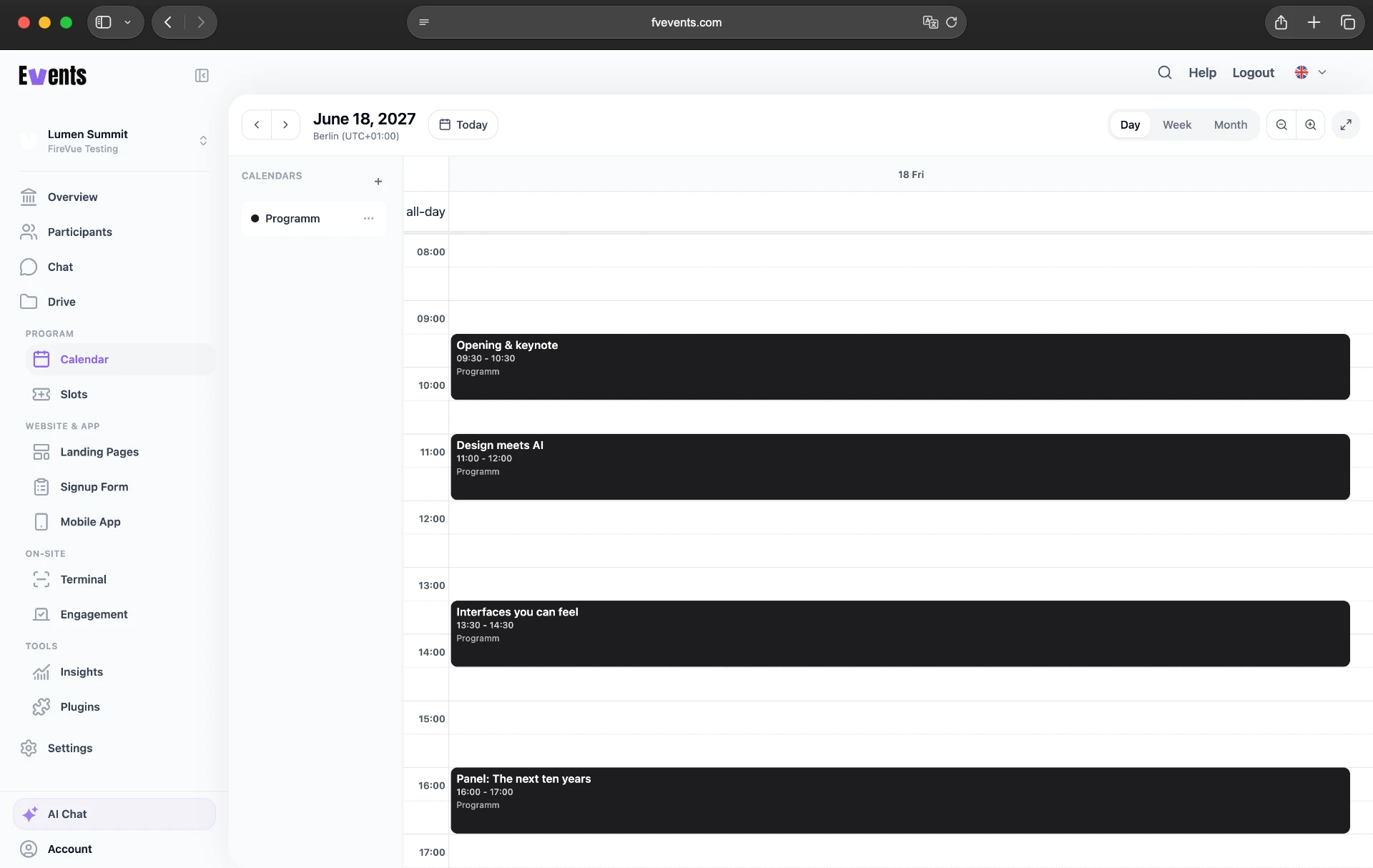
Friday’s keynote, Saturday’s workshops: plan your entire event in the calendar. Separate calendars and colors help you tell the public program from internal logistics.
The details that make planning easier.
- The right view
- Switch between day, week and month to see just the level of detail you need.
- Find your way with color
- Give calendars and sessions their own colors to spot related activities at a glance.
- Recurring sessions
- Set up regular activities as a series instead of adding every occurrence by hand.
- Choose who sees what
- Make each calendar public, visible to signed-in users or internal to your team.
- Bookings in the program
- Booked workshops automatically appear in each guest’s personal program.
For your guests
A schedule they can follow. Even when plans change.
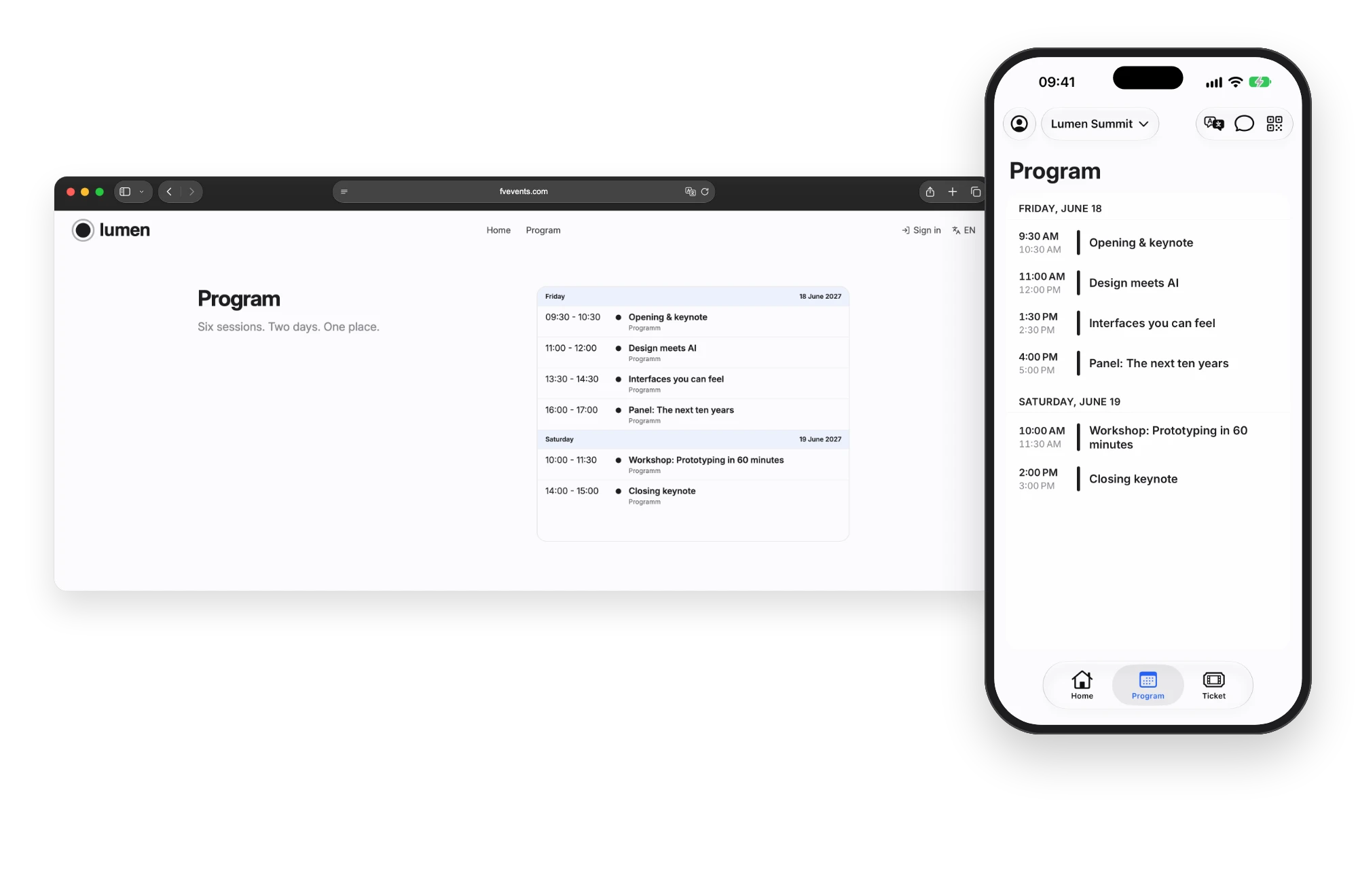
Maintain your program in one place. Changes appear on your website and in the participant app.
A clearer event starts here.
See how FireVue Events keeps your team and your guests on the same page.
Request a free demo