Drive · Canvas · Docs
Your team. One shared source.
Design event materials, write briefs together and share what others need. Right where you organize your event.
Less “Which version?” More working together.
Turn ideas into event materials
Slides, flyers or social posts: design in Canvas without moving your event files to another tool.
Together, at the same time
Edit the same Canvas or Doc simultaneously. Changes appear live instead of arriving later as another attachment.
Access instead of attachments
Share with the people who need it. Choose who can view or edit and keep working on the shared original.
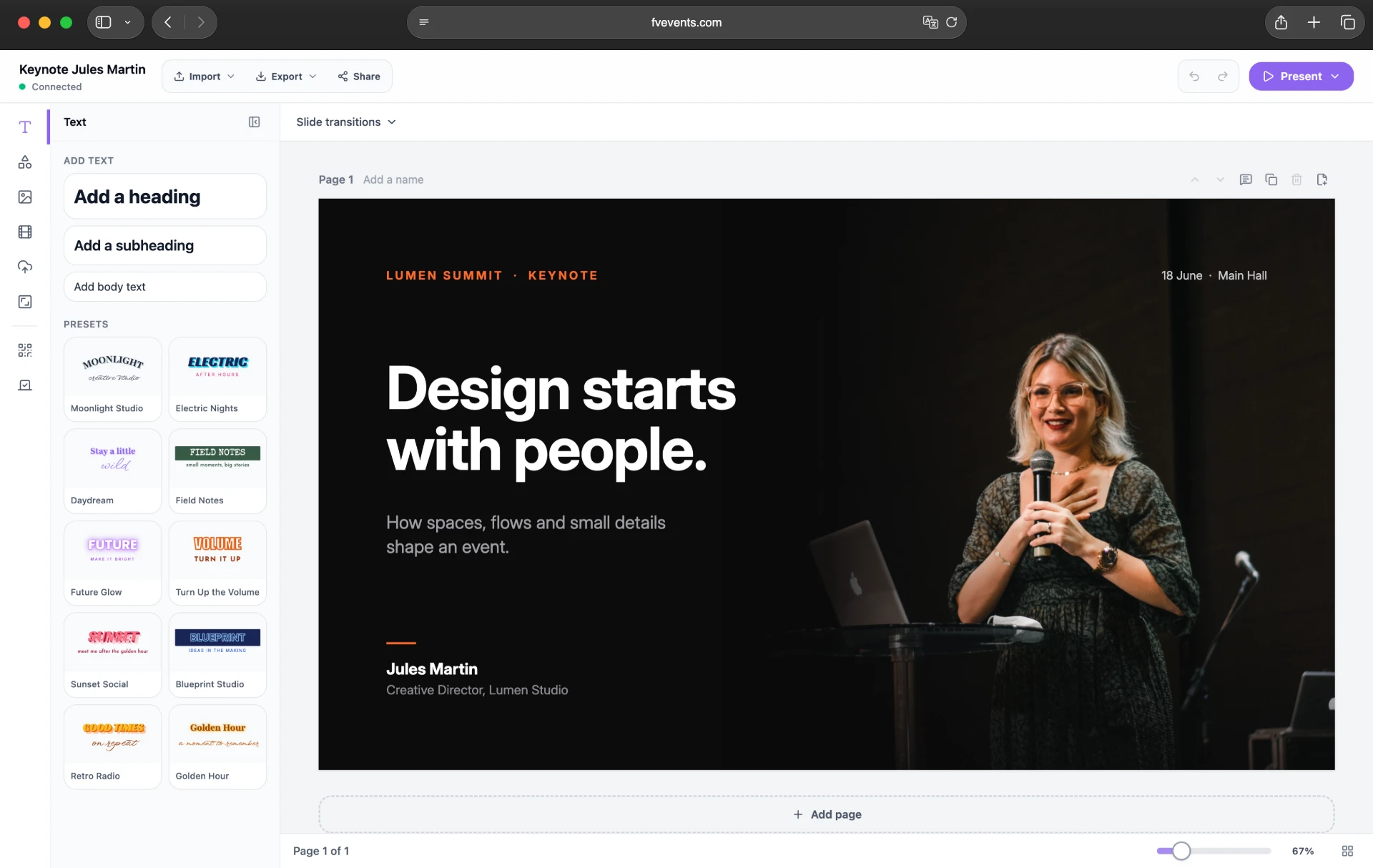
Design with Canvas
From the first idea to the big screen.
Design presentations, flyers and social posts with your team, without another design tool.
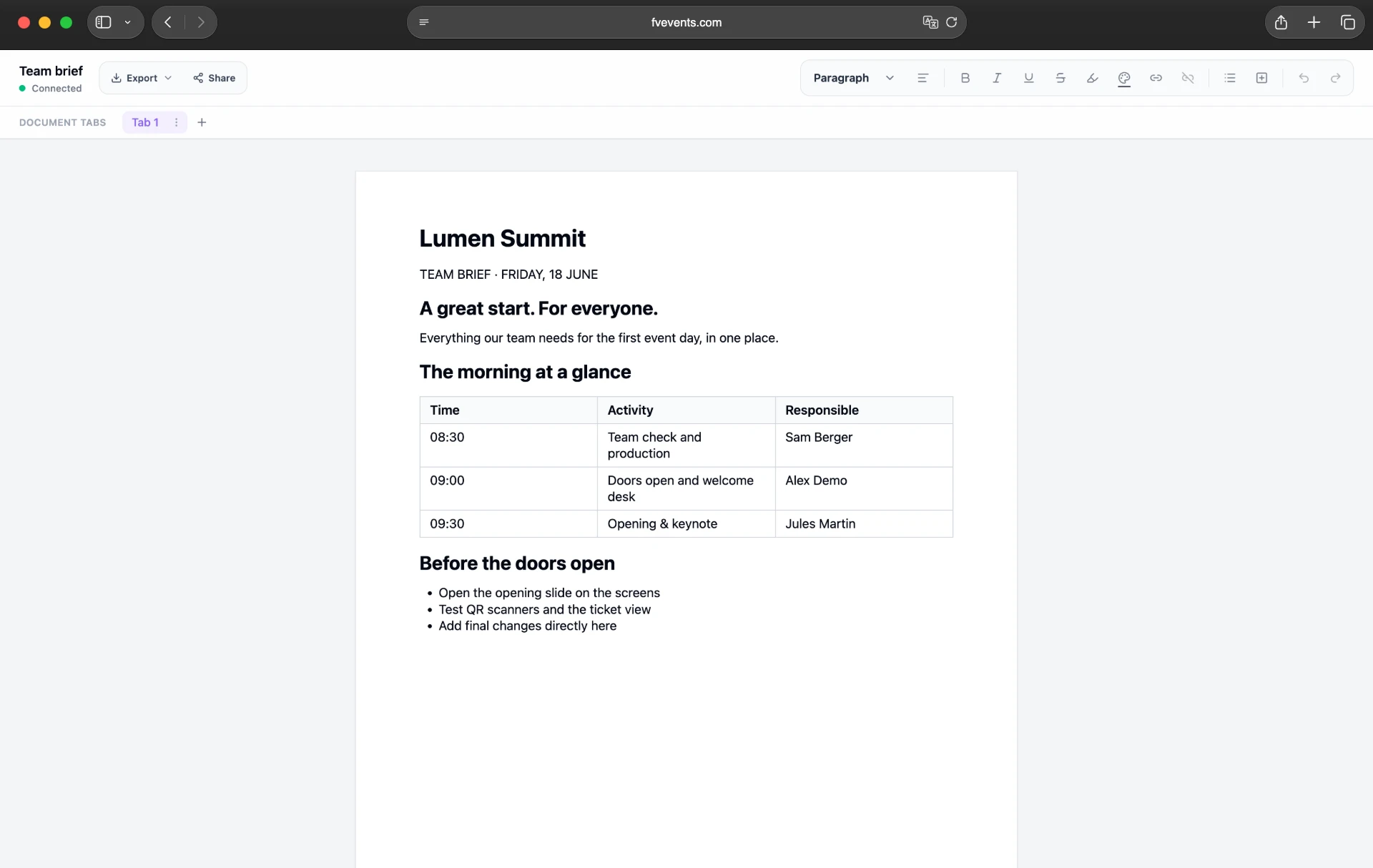
Docs · Together in real time
The brief changes. The file stays the same.
Production and organizers work on the same brief at the same time. Changes are visible to everyone instantly.
Built for collaboration. Right inside your event.
- A place for every event
- Files and folders at organization and event level keep contracts, templates and event materials together.
- Private from the start
- New files are private by default. You decide who to share them with.
- A format for every idea
- Presentations, A4, flyers, Instagram posts or a custom size: start Canvas with the right dimensions.
- Present straight from Canvas
- Show your Canvas in full screen or use the presenter view with previews and your own speaker notes.
- Slides connected to your event
- Schedules, countdowns and photo walls update directly from your event.
Build your event together.
See how Canvas, Docs and Drive bring your team together, from the first draft to event day.
Request a free demo