Displays
Every screen at your venue. One click, in sync.
Pair any TV, group screens into zones and change what they show from your laptop or automatically. No USB sticks, no running around.
Signage without the running around.
Change it once
Screens always show the file as it is right now. Every edit appears at once, there is nothing to publish.
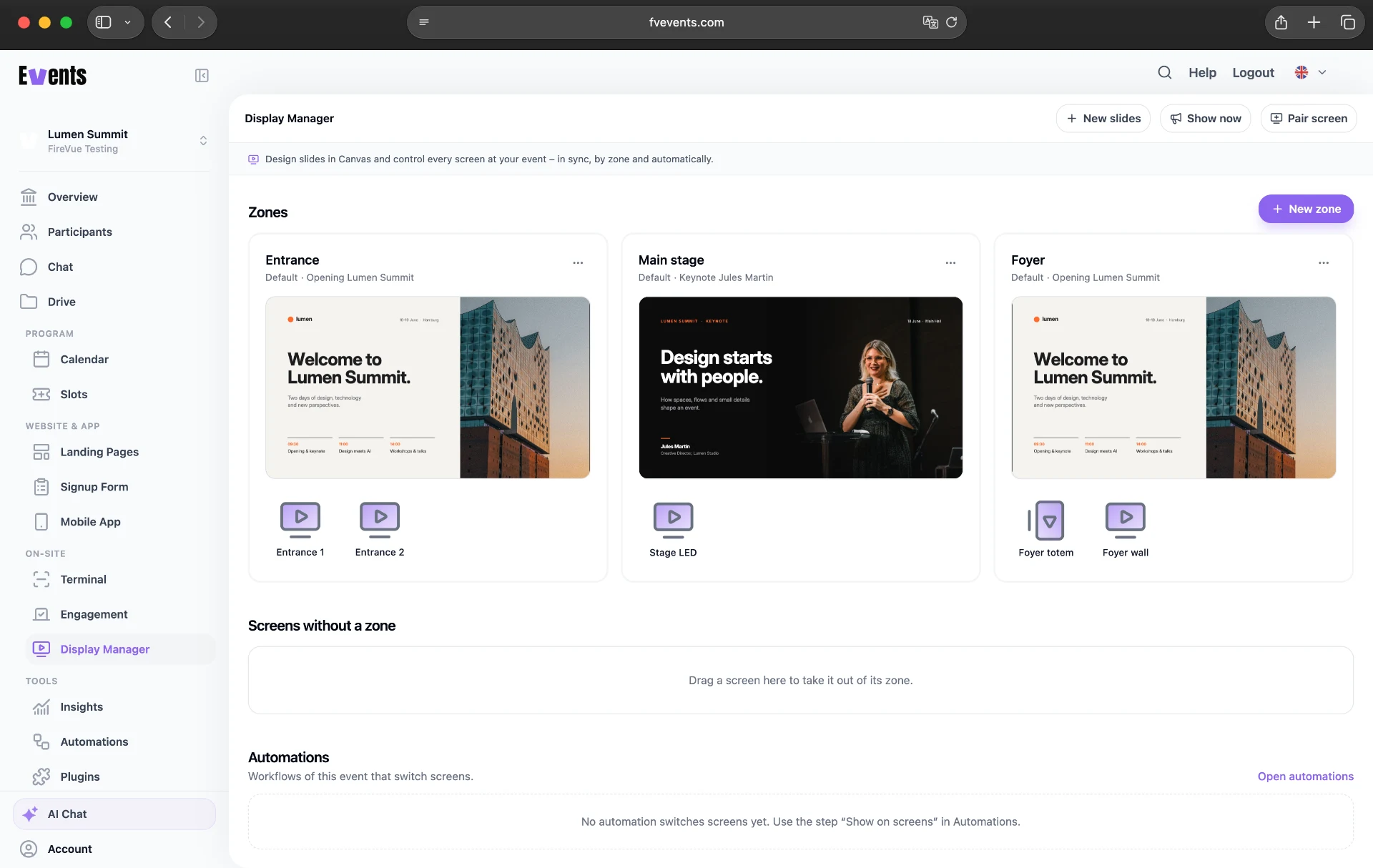
A zone for every spot
Group screens as “Entrance” or “Main stage” and give each zone its own content. All screens in a zone change at the same moment.
The program shows itself
Now & next, countdowns and a calendar read your event data, so you never retype times on slides.
Control
All your screens. One overview.
See what every zone is playing right now, which screens are online and what is planned next. Push an announcement to all zones, then go back to plan.
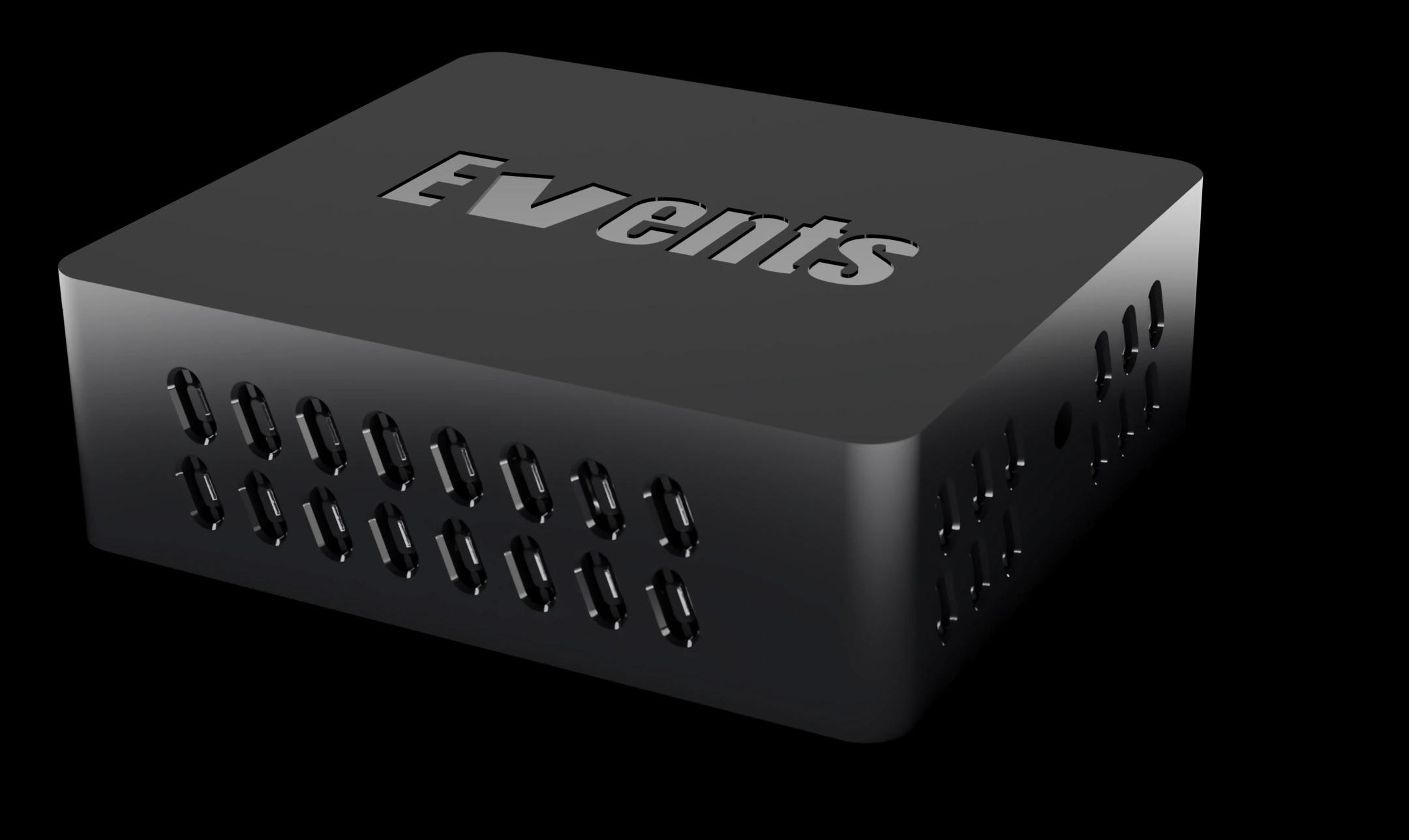
FireVue Display Box
Plug in. Code. Done.
Turn your TV into an event screen: connect the Display Box, pair it, and you’re ready.
- Keeps playing when the network drops.
Slides
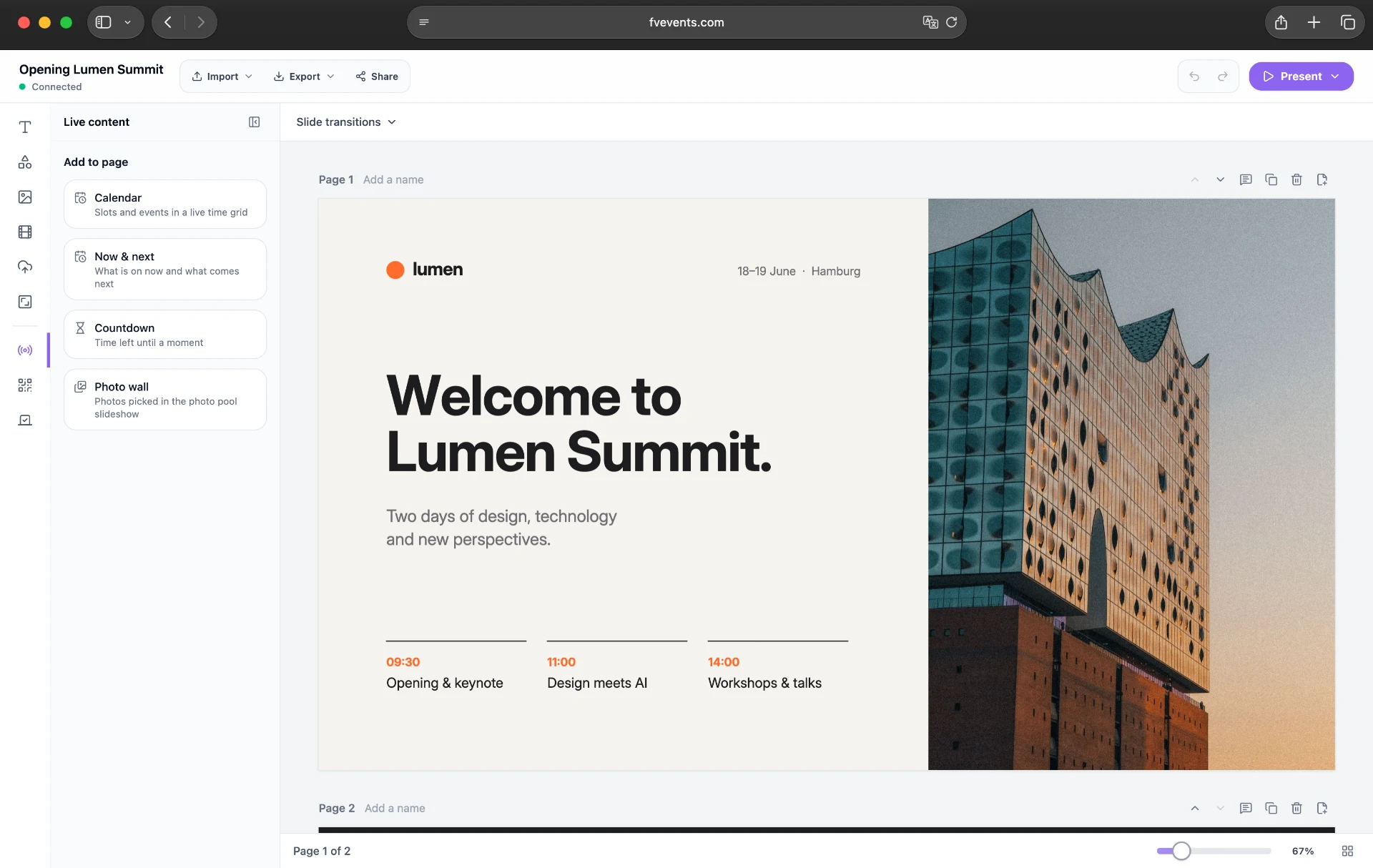
Design once in Canvas. Let the data fill itself.
Build slides in the Canvas editor with your branding, add videos and live content like Now & next, countdowns, a calendar or a photo wall.
Everything to run a venue full of screens.
- Pair in a minute
- Connect screens with a code or QR scan and assign them to a zone.
- Any screen
- TVs with a browser, laptops or the FireVue Display Box. Screens belong to your organization and move between events.
- Project your presentation
- Present directly on your event screens.
- Switch with automations
- Switch content automatically on a schedule or before a session.
- Keeps playing offline
- If the connection drops, the slides keep playing and the screen catches up by itself when it is back.