SEO & multi-language pages
Reach a wider audience by publishing in more than one language and keeping your pages tidy for search engines and visitors alike.
Multiple languages
Your organization and each event define which languages they offer and a default language. In the Web Builder, you set content per language, and visitors are served the version that matches theirs — falling back to your default when needed. The same applies to your registration form, whose labels are stored per language too.
Manage languages in your brand kit — see Branding your organization.
Translation overview
Wherever you edit translatable content — the Web Builder, registration forms, the check-in terminal, calendar entries, and plugin settings — a small red dot appears on the language switcher as soon as a language falls behind: it's missing a translation, or the source text changed after that language was last updated.
Click the language switcher and choose Translation overview to open a table with one row per piece of content and one column per language. Each cell shows its status — Missing, Out of date, or Current — so you can see at a glance what still needs work across the whole page or form, not just the field you're currently editing.
From there you can:
- Edit any cell directly in the table and apply it — no need to switch languages one at a time.
- Accept a row if the existing translation is still correct even though the source changed, marking it current without retyping it.
- Translate all to have AI fill in every missing or outdated translation in one pass, based on your source language content.
The red dot clears once every language is caught up.
Search-friendly basics
A few simple habits help people find your pages:
- Clear titles — give each page a descriptive title.
- Clean slugs & paths — short, readable URLs like
/scheduleread better and share better. See Page settings, slugs & navigation. - A favicon — set one so your brand shows in the browser tab and bookmarks.
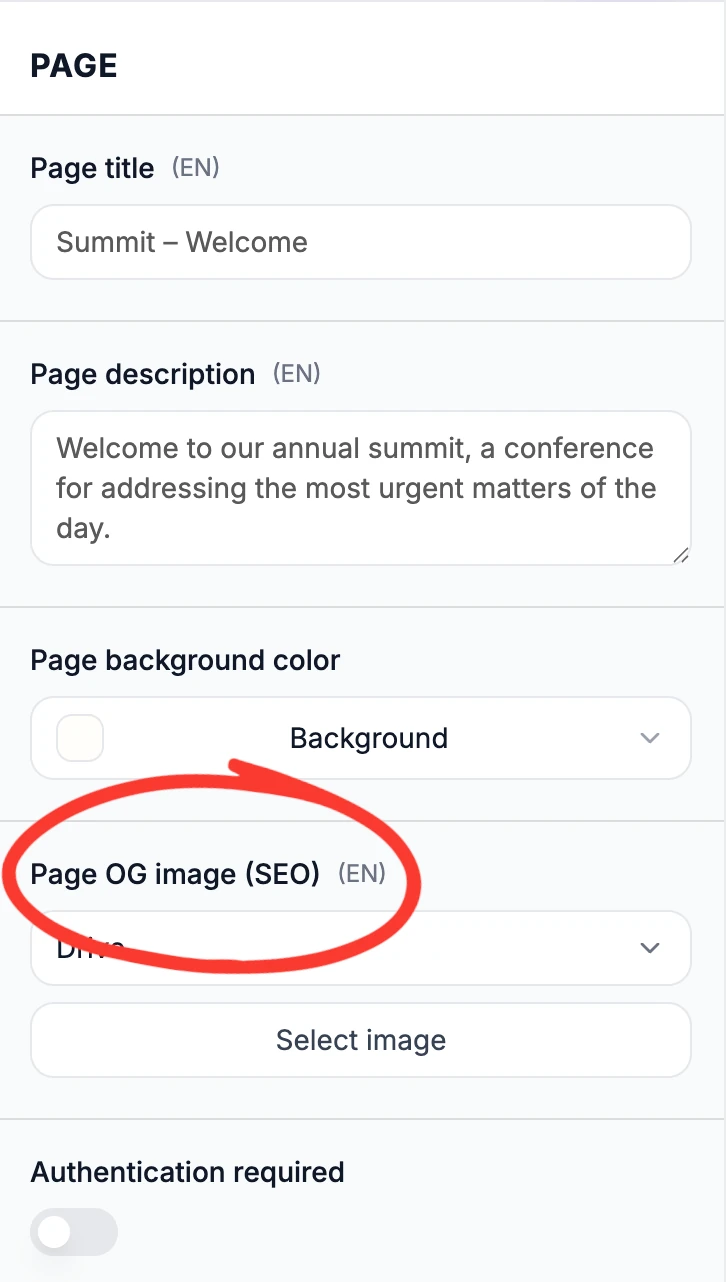
- A SEO OG Image – set a open graph image, which is the image that is being shown when you share a link on social media.
Your own domain
For a fully branded, memorable address, connect a custom domain to your organization or event. See Share & publish your event page.
💡 Tip: Publish in a new language by adding it to your languages, then filling in that language's content on each page and form field.
Was this helpful?