The check-in view & live attendance
The check-in view is your staff-side dashboard for event day. Find it as the Check-In Overview tab on the Participants page, or open it directly from the Terminal page.
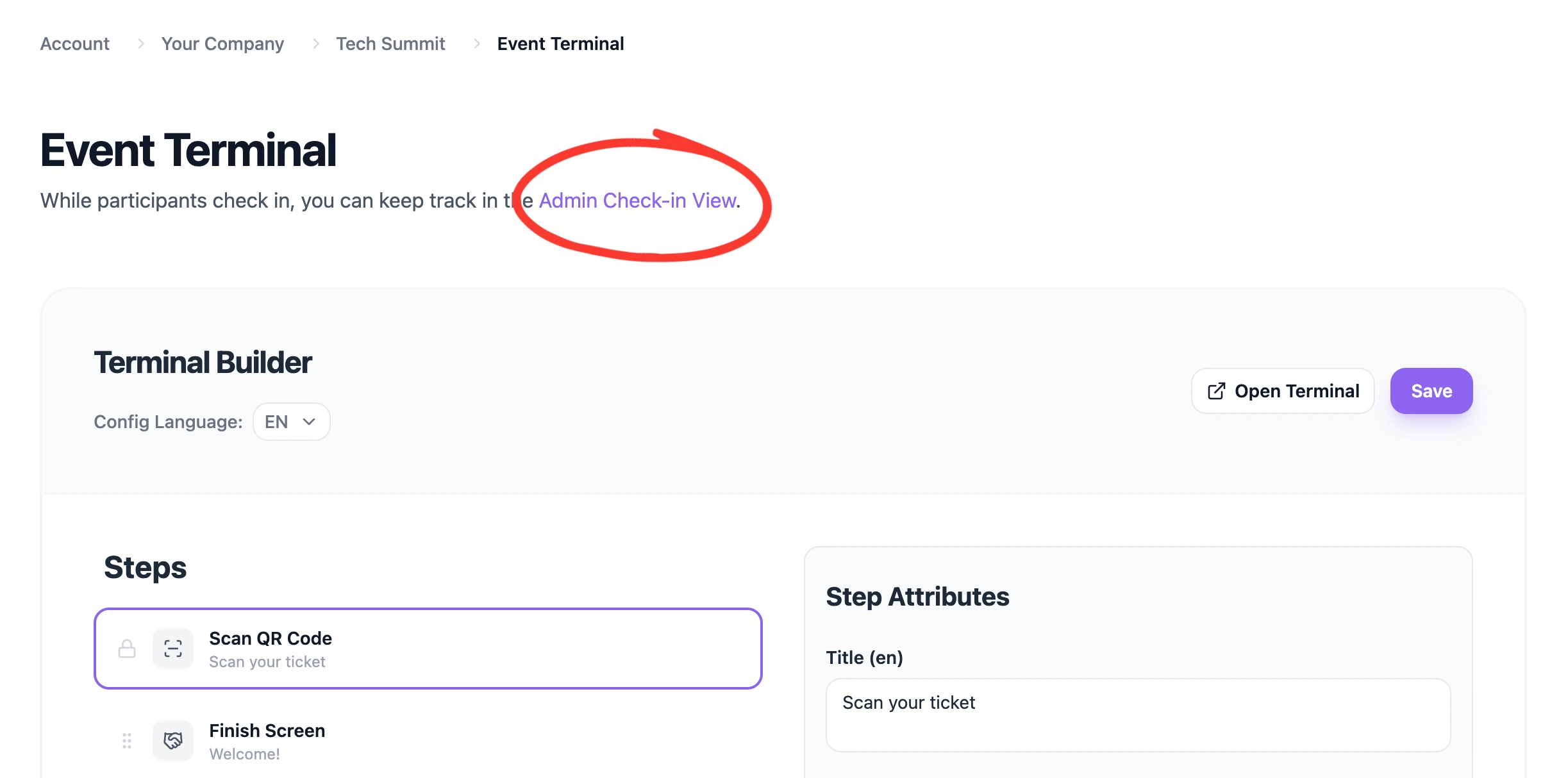
See who's here
The view tracks who has been checked in in real time. Via the Details button you can see all the information for that participant. This enables staff to greet personally, hand out goodie bags, or other person-specific items. When the staff member is finished processing, the card disappears by clicking the big check mark.
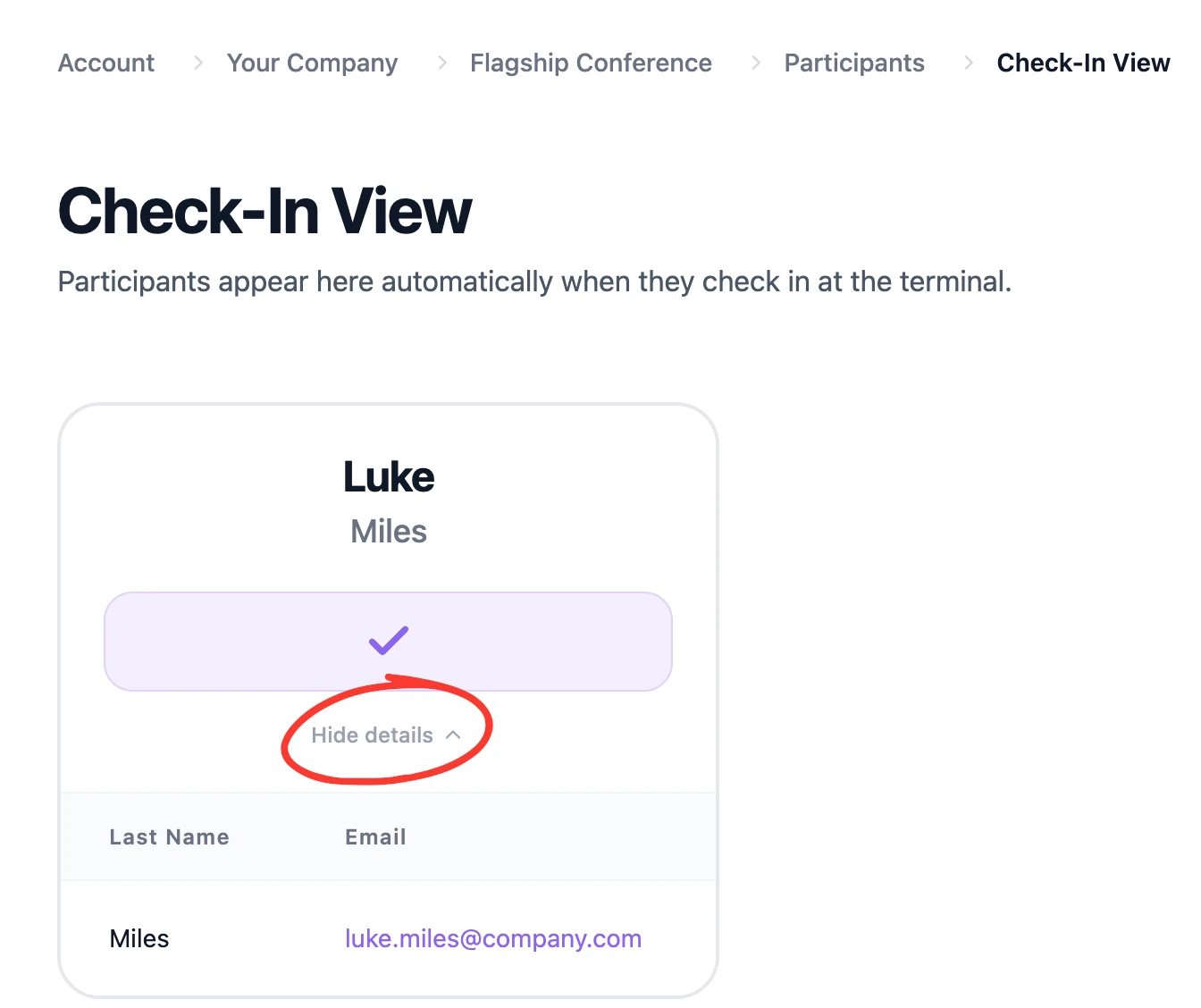
💡 Tip: Keep the check-in view open on a phone or laptop at the entrance alongside your scanning devices, so a staffer can instantly help, having all information at hand.
Was this helpful?