Form Builder overview
The Form Builder is where you decide what attendees tell you when they register. It's a visual, drag-and-drop editor — open Sign-up form from your event to start.
The editor
Drag fields onto the canvas and reorder them however you like. Each field has a label and can be required or optional. Because every label is stored per language, you build the form once and attendees see it in whichever of your event's languages applies.
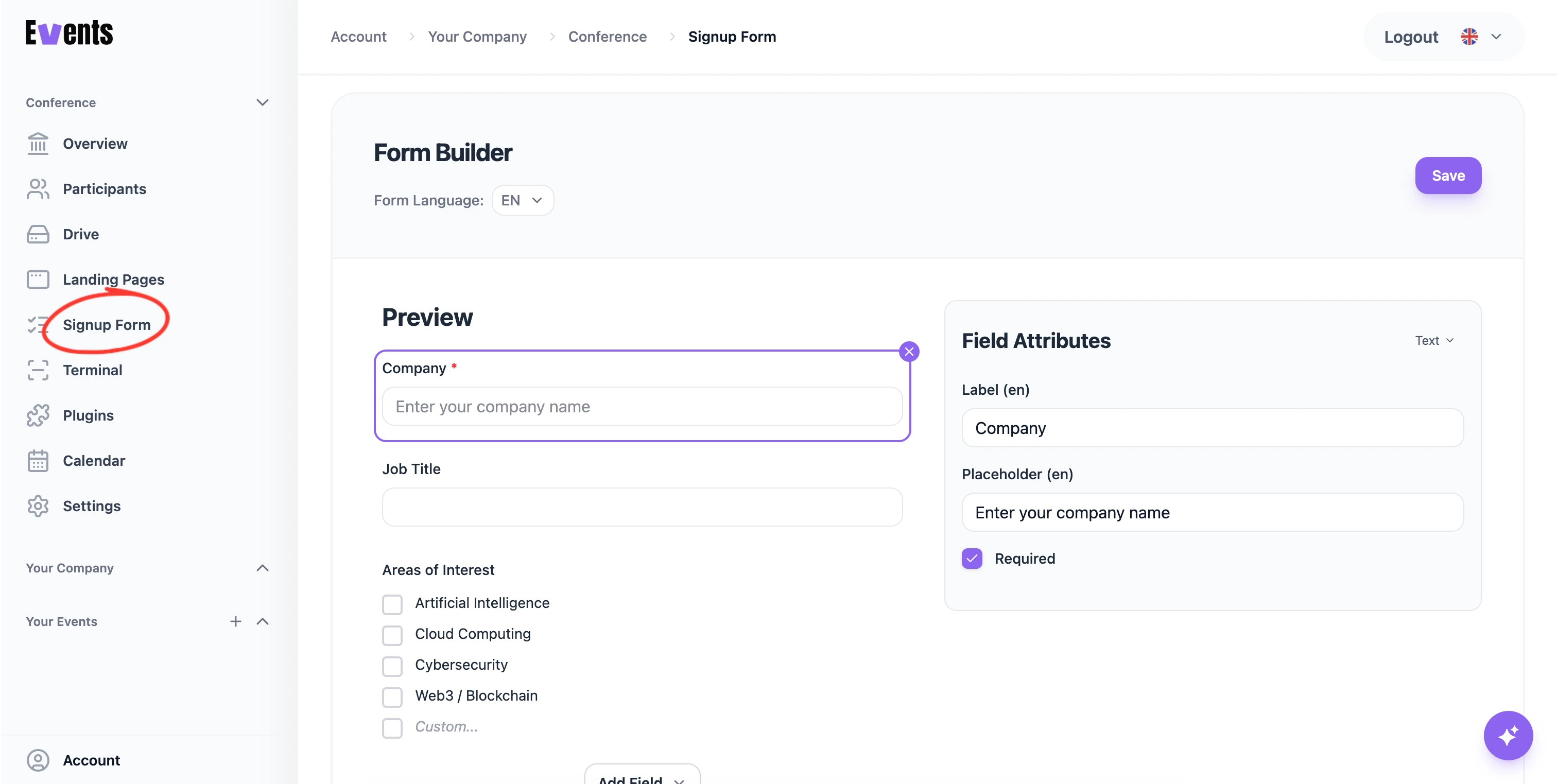
The fields
You have different field types for specified input and validation. For exactly what each one does and the options it offers, see the Field types reference.
Paid and limited options
Dropdown, checkbox, and radio options can each carry a price and a capacity — that's how you sell ticket types and add-ons and cap how many of each are available. See Free & paid registration.
Editing after launch
You can keep refining the form after people have started signing up. Existing answers stay attached to their fields, so making compatible edits won't lose responses. But be careful when deleting fields, it removes them from the participants table!
💡 Tip: Don't want to build it by hand? Describe the questions you need and let the AI assistant assemble the form for you.
Was this helpful?