Managing multiple events
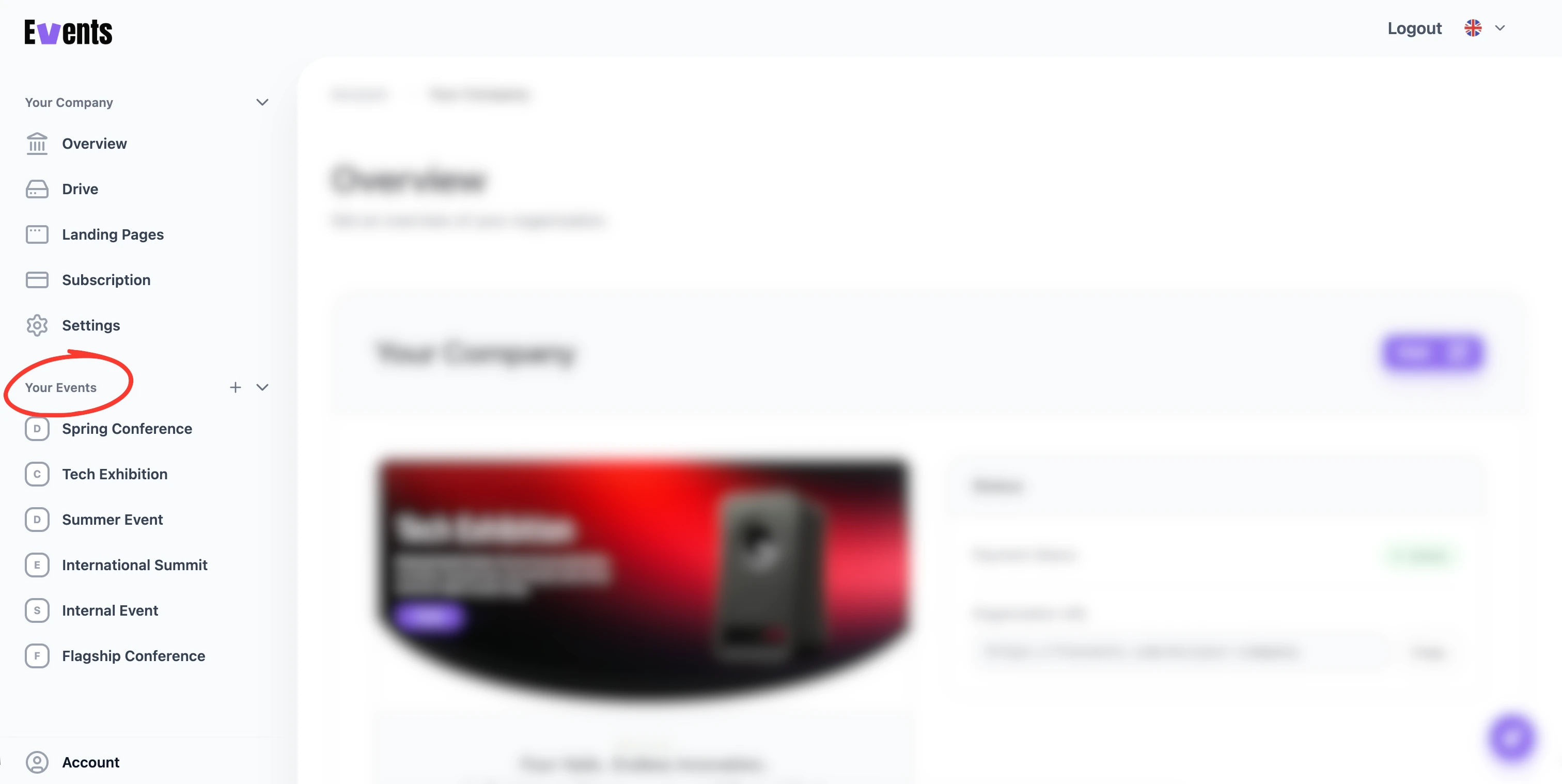
Your organization can run as many events as your plan allows, and each one is fully self-contained. This is how you handle a season of events, recurring editions, or several occasions at once.
Each event stands on its own
Every event has its own registration form, pages, participant list, schedule, and even its own team and styling. Changes to one event never affect another. You switch between them from your organization's dashboard.
What's shared across events
A few things live at the organization level and apply everywhere:
- Branding — your logo and brand kit give every event a consistent base look. See Branding your organization.
- Team — organization members can work across events, while event-level access can be granted per event. See Roles & permissions.
- Billing & Drive — your subscription and file storage are shared by the whole organization.
Plan limits
How many events you can run at once — and how many team seats you have — depends on your plan. If you hit a limit, see Plans & what's included.
💡 Tip: Starting a similar event again? Begin from a template so each new event inherits a familiar structure and look.
Was this helpful?